During CES 2026, Corsair announced a bunch of new gaming accessories, including a new version of its popular gaming mouse, the Sabre. The new esports-focused mouse upgrades its materials and overall build quality, with the Sabre V2 Pro Wireless MG now featuring a magnesium alloy shell. This reinforces the structure and gives it a more premium feel. However, the added durability comes at the cost of weight, with the mouse now weighing 56g – around 20g heavier than the standard model.
To achieve that, Corsair has trimmed back some material found in the shell, moving away from the previous honeycomb design in favour of more unique, symmetrical cutouts. Alongside its updated chassis, the wireless mouse features the 33K DPI MARKSMAN S sensor with 8,000Hz polling, positioning it firmly as a competitive esports option. I put it to the test to see how it performs in practice, how it handles in everyday use, and whether the added weight and cost are justified.

Specifications
- Sensor: CORSAIR MARKSMAN S
- DPI: 33,000
- Weight: 56g
- Size (LxWxH): 122.9 x 64.1 x 38.8mm (+-0.5mm)
- Buttons: 5 (+DPI)
- Battery life: 120hrs (2.4GHz, 1kHz poll)/21hrs (2.4GHz, 8kHz poll)
What We Think
Changing the material of the Sabre v2 Pro has certainly added to the premium feeling of the mouse. The Wireless MG’s move to a metal shell adds both weight and cost to what was originally a lightweight design, though it remains a competitive option in the current market. With plenty of customisation on offer and no mandatory software requirements, it’s a flexible choice for a wide range of users. That said, the cutouts in the chassis won’t appeal to everyone, the receiver design can be slightly frustrating, and the added heft and price mean it gives up some of its edge against lighter, more affordable rivals.
Reasons to Buy
- Much improved battery life
- Doesn’t require app installation to set up
- Comes with bigger replacement skates
- Includes a set of grip tape
- Ambidextrous shape design
- Fast polling rate and plenty DPI stages to pick
- Lots of connectivity options
Reasons to Avoid
- Heavier and more expensive than non-MG version
- Holes in body not comfortable for everyone
- Receiver bulky and needs to be wired, plus clip makes mouse pad bumpy
- Skates and stickers hard to peel off
Design and features
Right from the get-go, the packaging reflects the care and thought that went into the product. Corsair avoids excess plastic, using mostly recyclable or reusable materials. Inside the busy outer box, there’s an inner cardboard piece that acts as a carrier for the mouse and its included extras.
The Sabre V2 PRO itself is nestled in a cloth bag in the main compartment, accompanied by a braided cable secured with a hook-and-loop strap. Also included are a folded leaflet with safety information, the wireless receiver, larger skates, grip tape, and an alcohol wipe for preparing the mouse for the new grips.
Attaching the grips to the mouse was straightforward. Using the alcohol pad, I prepared the body of the mouse and carefully aligned the adhesive grips in place. The skates, however, were a bit trickier. Removing the pre-installed skates required some force – especially challenging if you’ve recently cut your nails – and may even need an extra tool. Installing the new skates was much easier thanks to the inset that guides their placement, though peeling off the protective sticker from the new skates still required some effort.
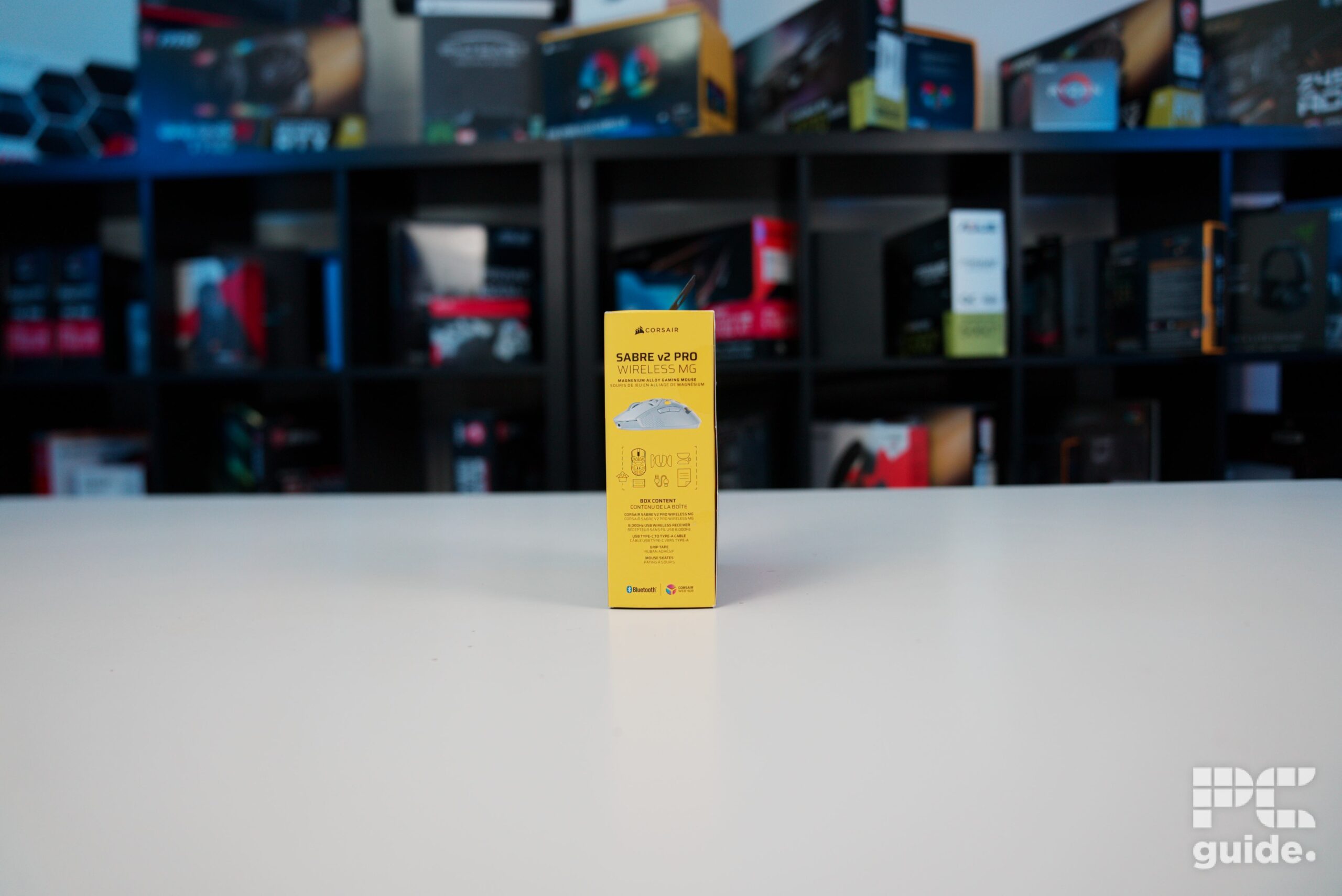
Corsair Sabre v2 PRO Wireless MG box side, Image by PC Guide
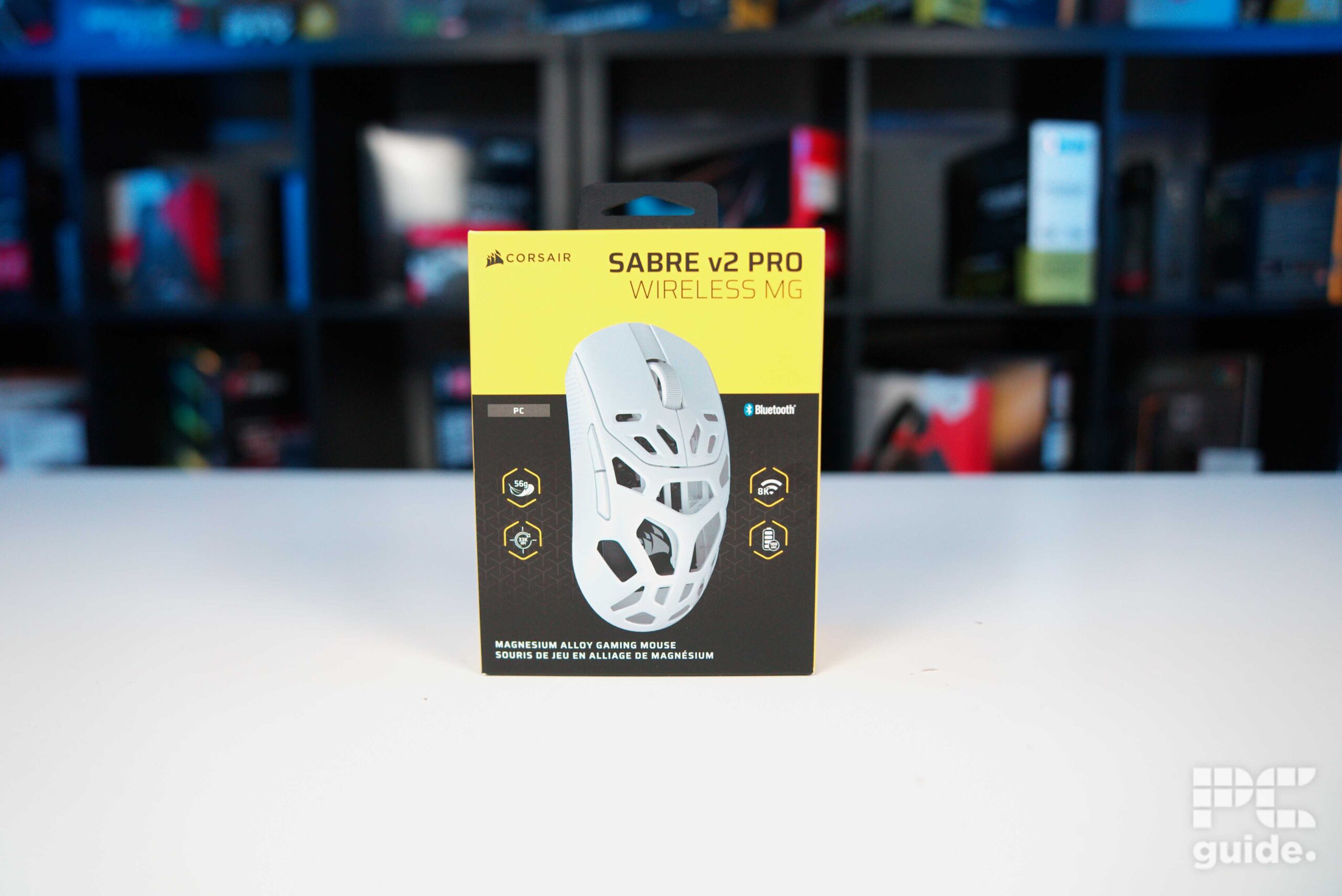
Corsair Sabre v2 PRO Wireless MG box front, Image by PC Guide
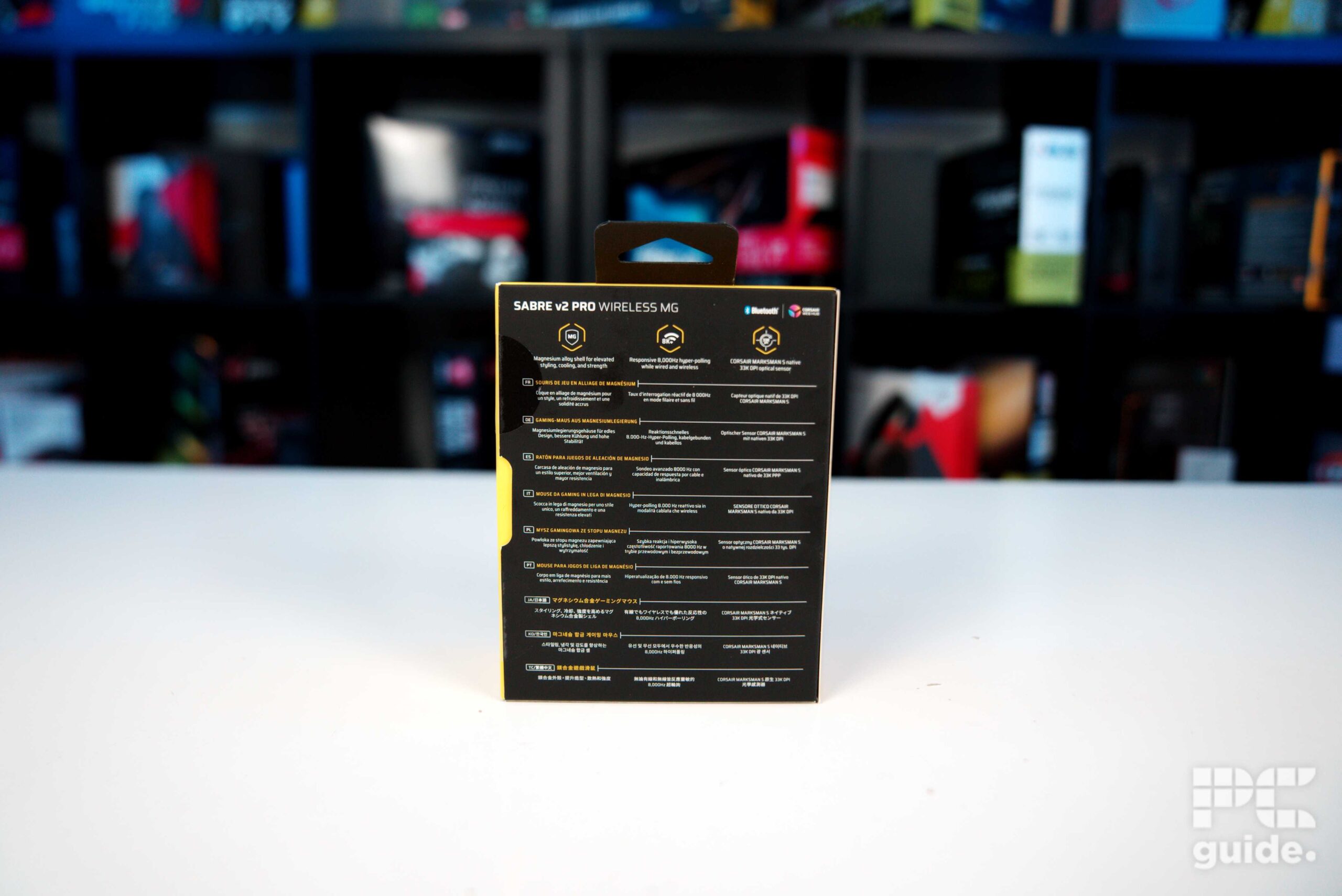
Corsair Sabre v2 PRO Wireless MG box back, Image by PC Guide
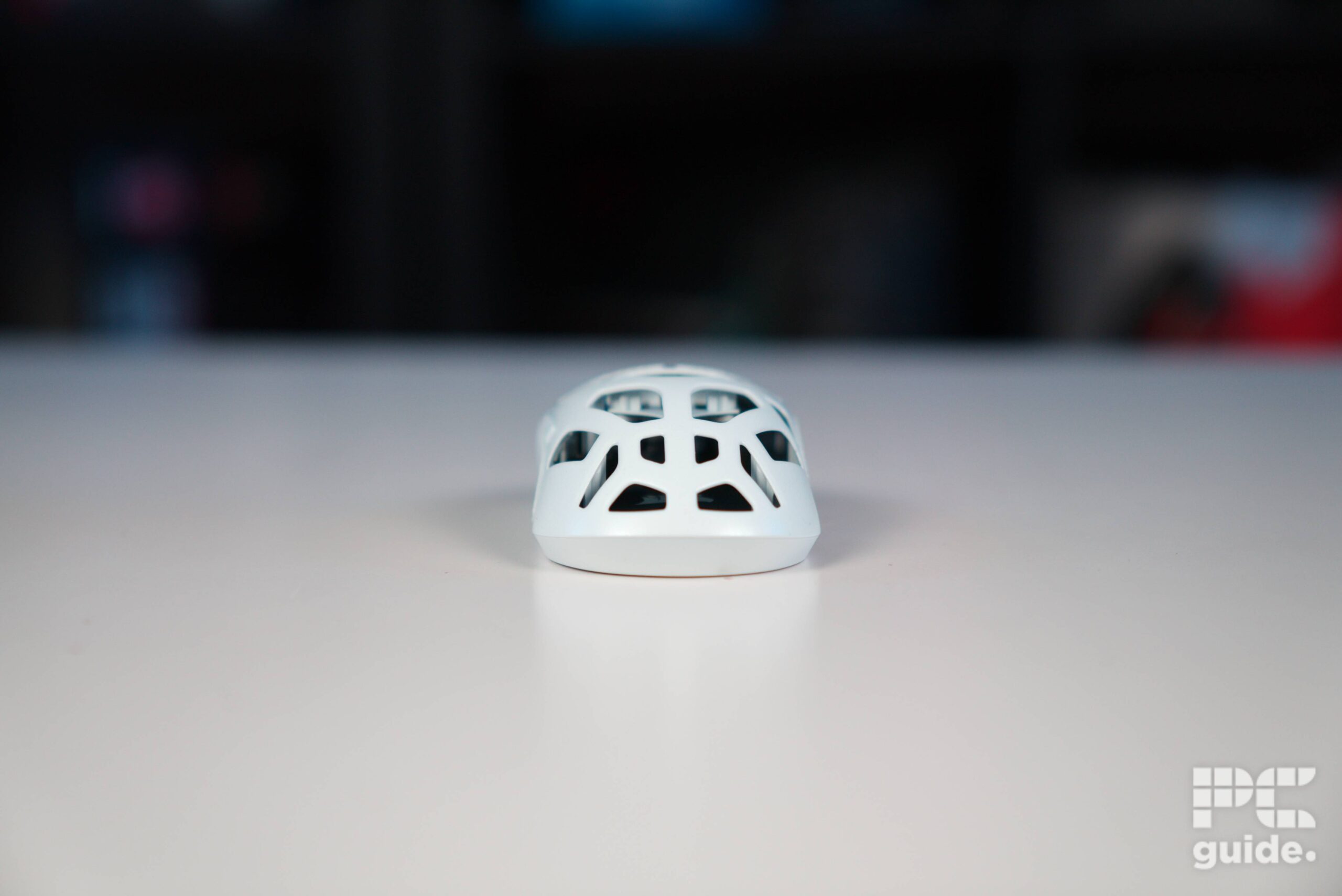
Corsair Sabre v2 PRO Wireless MG back, Image by PC Guide
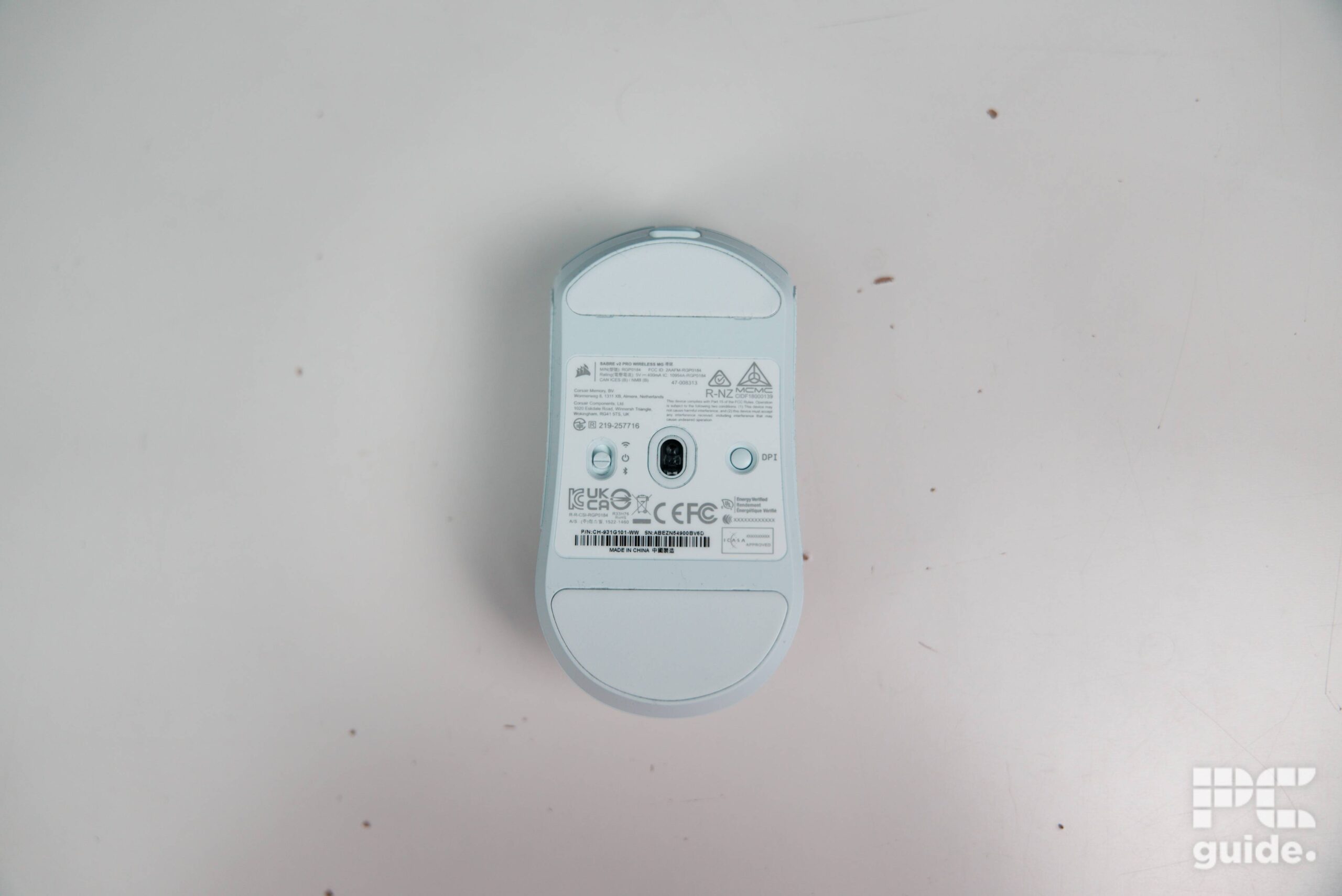
Corsair Sabre v2 PRO Wireless MG underside, Image by PC Guide
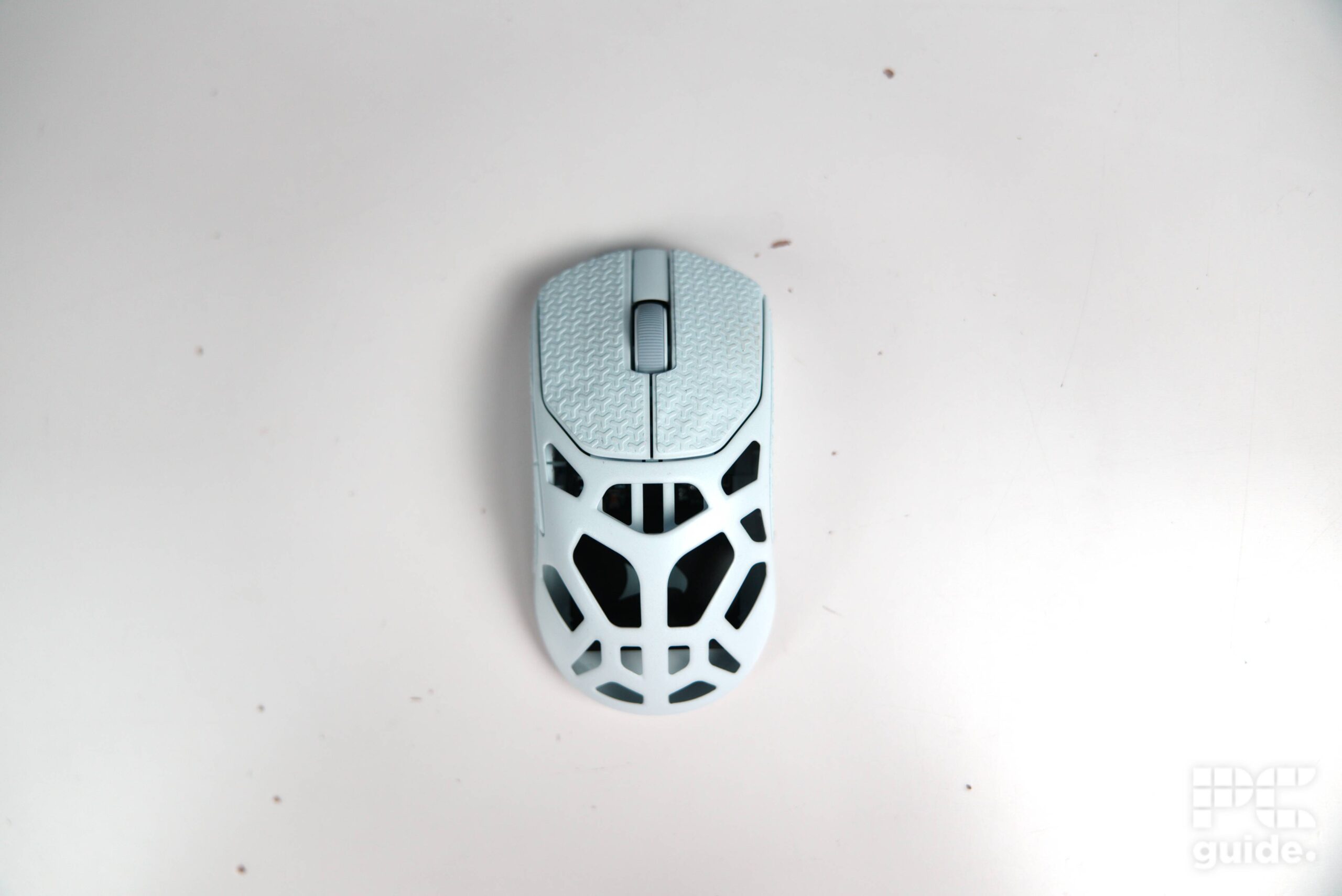
Corsair Sabre v2 PRO Wireless MG top down, Image by PC Guide
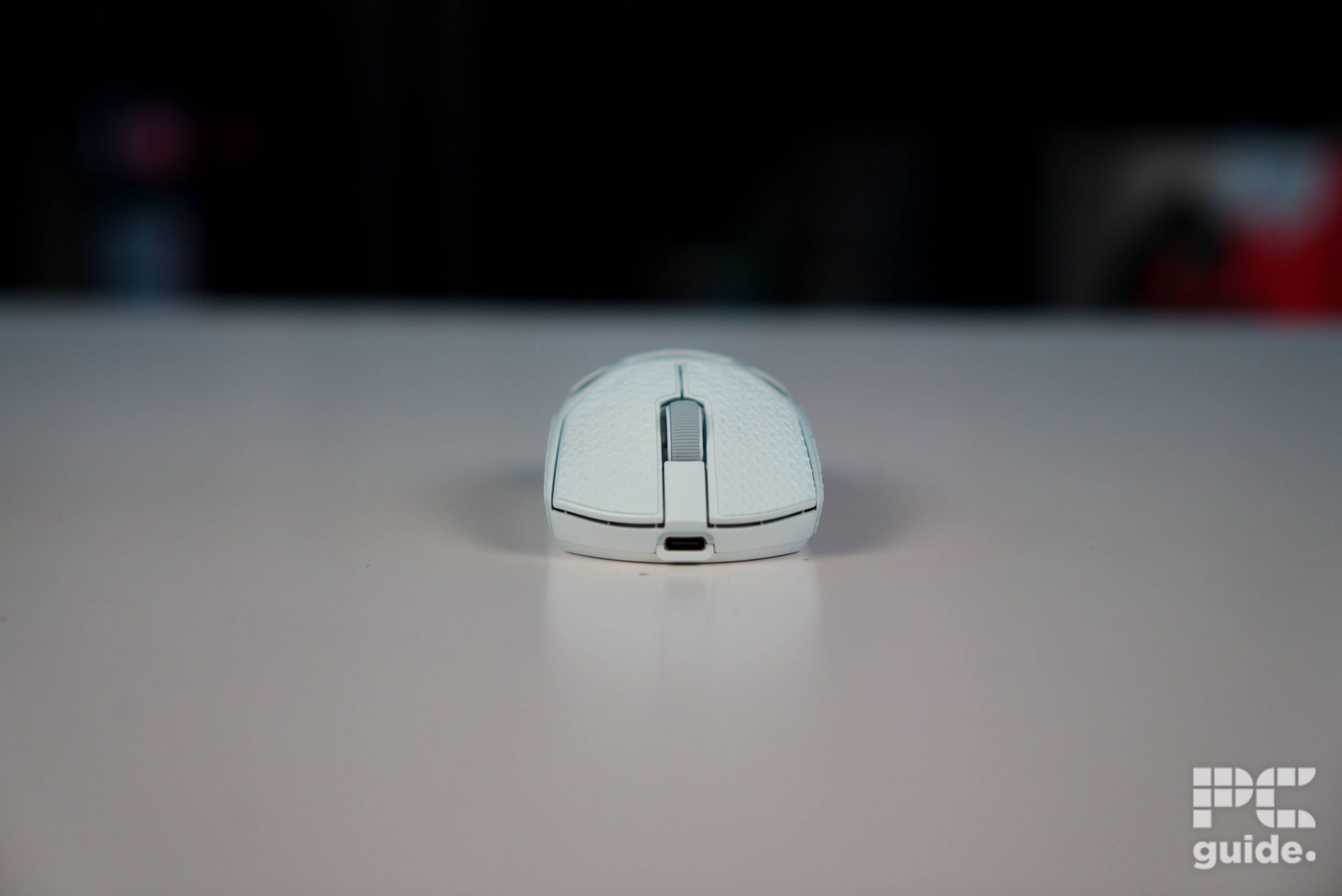
Corsair Sabre v2 PRO Wireless MG front on, Image by PC Guide
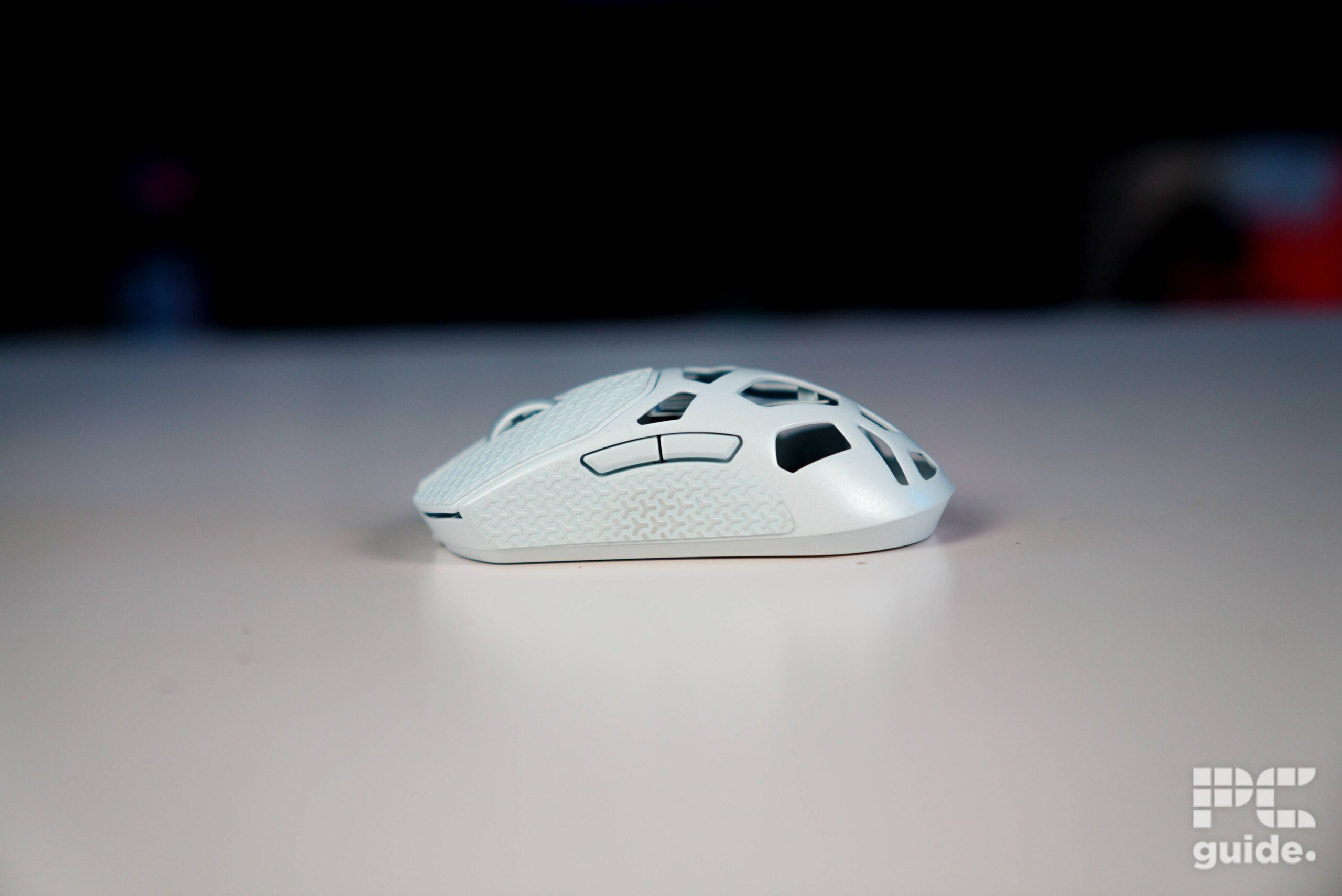
Corsair Sabre v2 PRO Wireless MG left side, Image by PC Guide
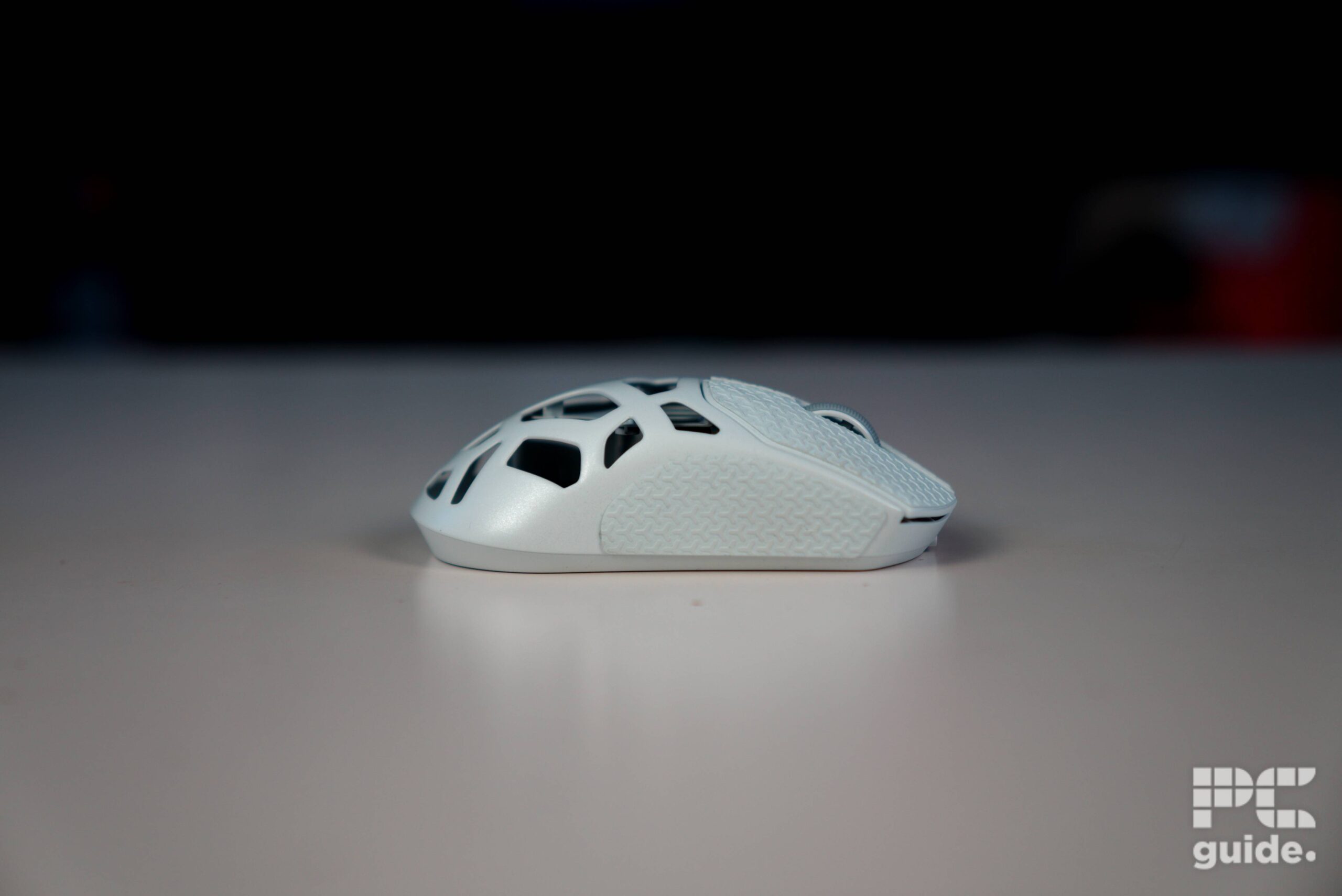
Corsair Sabre v2 PRO Wireless MG right side, Image by PC Guide
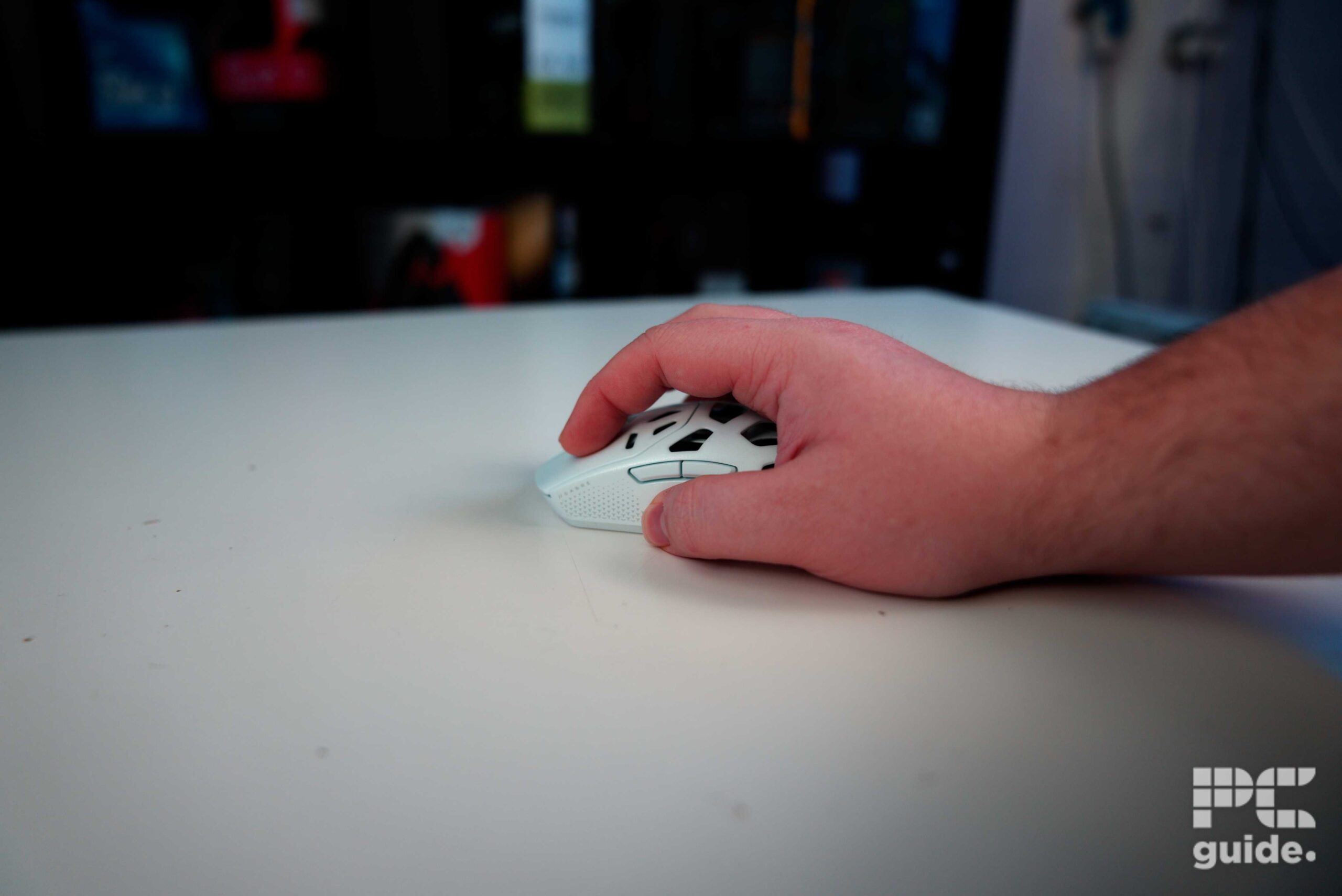
Corsair Sabre v2 PRO Wireless MG held, Image by PC Guide
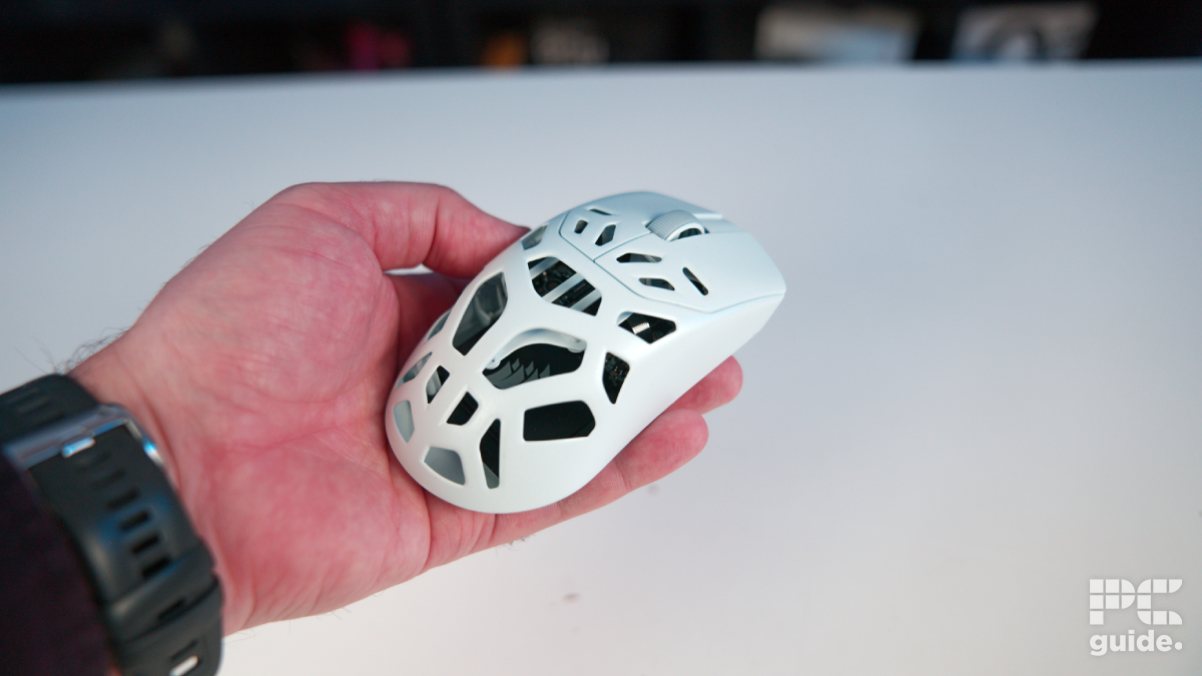
Corsair Sabre v2 PRO Wireless MG held side, Image by PC Guide
Previous
Next
Now, for the actual mouse itself, it’s a symmetrical ambidextrous design, unlike the Razer DeathAdder V3 HyperSpeed I reviewed last year. Suitable for use with either hand, it retains the same left-sided buttons found on its predecessor.
The right-hand side of the mouse is fairly minimal, offering just a clear surface for the skate and plenty of grip space. The top, however, tells a different story. While it retains the general shape of a standard mouse, large portions of the magnesium alloy are cut away to reduce weight, giving a striking view of the Sabre V2’s internal structure. It’s fascinating to see the intricate inner workings, though it does raise a small concern about accidentally dropping something inside and risking a short circuit.
The slits extend onto the clickers as well. For fingertip grip users, this means holding slightly further back. The slits on the clickers are smaller, while the ones on the body are larger and irregular, moving away from the repeated honeycomb pattern seen on other gaming mice. Chamfered edges also help eliminate any sharpness, ensuring the mouse remains comfortable to hold.
At the front, there’s little to note beyond the embedded USB-C port. On the underside, the remaining onboard controls are neatly laid out. A three-position sliding switch lets you toggle the wireless mode between 2.4 GHz, off, and Bluetooth, while a single circular button changes the DPI setting. These controls sit recessed within a large bottom sticker and do not interfere with use.
The skates, positioned at the top, bottom, and around the sensor, lift the mouse slightly, minimizing friction and helping it glide smoothly across surfaces.
Previous
Next
As for the 2.4GHz receiver, it’s an odd design. It is surprisingly long and cumbersome compared to the Logitech one I was previously using (which is just a small USB dongle I have plugged into my PC). The large lightweight receiver does have a clip on the back, which I can only assume is for it to be attached to your desk or mouse pad.
Pricing
For the pricing, being a metal-shelled lightweight mouse, the Corsair Sabre v2 Pro does come at a higher cost. But to my surprise, even then, it doesn’t exceed the price of many of its competitors; it’s closer to the lower end or middle of the road price. You can, in fact, pick it up for $149.99/£119.99, which is in fact $50/£30 more than the standard Sabre V2 Pro. So for that extra cost, you get a 20g heavier mouse with fewer materials on it, with the cutouts.
As a comparison, I checked the price of other lightweight mice with tens of thousands of DPI sensors and fast polling rates.
In these examples, it’s only the Glorious mouse that is cheaper than the Corsair model, and so it’s actually not the expensive option to consider picking up.
Performance
Before we started the real-world testing of the mouse, I quickly set it up using the Corsair software suite. Plugging it in, you can either choose to use the receiver straight away or use it wired directly. Either method works for getting the Sabre V2 Pro to appear in the Corsair Hub, the web application you can use instead of installing iCUE, which can clog up your system processes.
Instead, you can set up the various profiles on the mouse and have them saved onboard. As with the Corsair Web Hub, offering a small range of options on the application, there is a choice for; key assignments, the range of DPI stages that cycle with the button, and a macro manager you can record. Even though there are four profilers to set up, there is no dedicated button to cycle through them, and you’d have to sacrifice one assignment to get that onboard.
Previous
Next
You can also adjust settings through the Corsair web app, which lets you toggle between profiles, update firmware, check battery life, and fine-tune mouse behavior. Options include polling rate (with a low-battery warning), sleep timer, lift-off distance, and more.
Once I set the mouse up to my preferences, I tested it both in its stock form and with the new, larger skates and grips. With my claw grip, the difference was immediately noticeable. Straight out of the box, the metal mouse is quite slippery, especially when new. While I could still control it with careful hand placement, it felt like my hand was dragging more across the mouse pad due to the lower profile.
Adding the grips made an immediate difference. They provide a textured surface that keeps your hand steady, unlike the smooth metal underneath or the grips on my Logitech Superlight Pro 2.
One drawback is that the main body itself lacks any textured surface for palm or claw grip users who rest their hand directly on the mouse. My hand would occasionally slide, and with the cutout sections, it sometimes pressed into the holes. Thankfully, the chamfered edges keep it from feeling uncomfortable, but the absence of material beneath the palm is still noticeable.
Previous
Next
Generally, though, I had no problems once it was all set up and ready. Booting up CS2 and Aim Labs, the flicks were on point and easy to get. This was mostly thanks to the fact that the Sabre V2 Pro was similar in weight to my Logitech, but also due to its comfortable design and precise sensor.
Corsair also takes advantage of the open design by running a light inside to show what DPI setting it’s on. That is, while it’s plugged in, it’s constantly on, but wirelessly, it only comes on when you change it, and shows which stage preset it’s in that was set in the web hub.
Specifications
- Sensor: CORSAIR MARKSMAN S
- DPI: 33,000
- Weight: 56g
- Size (LxWxH): 122.9 x 64.1 x 38.8mm (+-0.5mm)
- Buttons: 5 (+DPI)
- Battery life: 120hrs (2.4GHz, 1kHz poll)/21hrs (2.4GHz, 8kHz poll)
Conclusion
Overall, the Corsair Sabre v2 Pro Wireless MG is a solid and premium-feeling mouse. Sacrificing some of the weight and price compared to the standard Sabre v2, it targets a gamer who doesn’t need the absolute lightest mouse. Instead, you get plenty of battery life, a sturdy build to survive slamming on the desk, and plenty of customization available to it.
The cutouts in the body do make it less comfortable for those sensitive to the feeling of holes, though at least the chamfered edges prevent any sharpness or irritation. Despite these design choices and the higher price, the mouse remains surprisingly competitive compared to other options on the market, making it a strong model worth considering.